Allocate Endpoint Licenses to Tenants
The allocation of Endpoint licenses to Tenants are configured in the Tenant properties page. (see also the One Voice Operations Center User's Manual).. Licenses can then be allocated to customers managed by the Service Provider based on this total.
|
➢
|
To configure endpoint licenses: |
|
1.
|
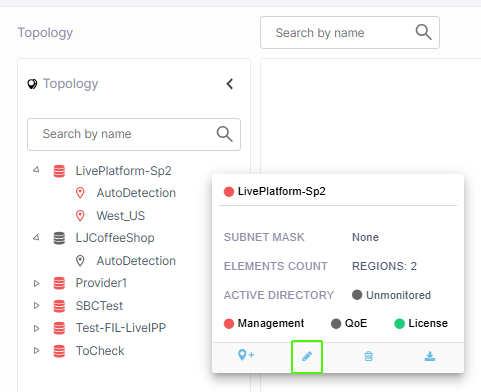
Open the Service Provider tenant Details (Topology menu, Navigation pane and then click the Edit icon). |
|
2.
|
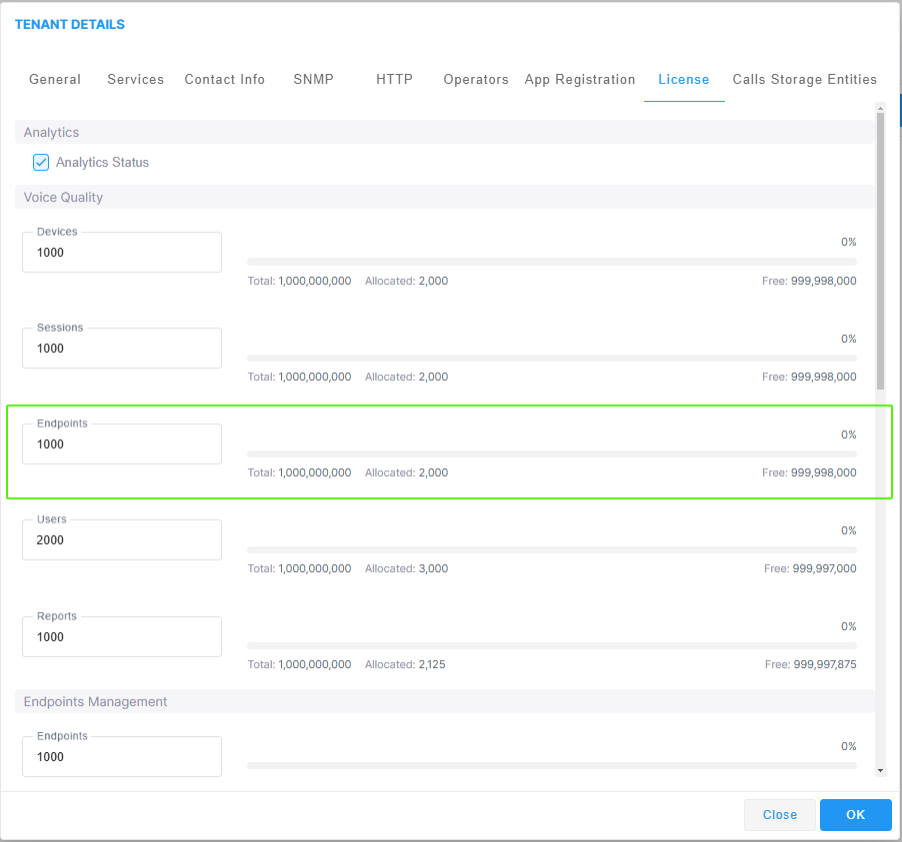
Click the License tab in the Tenant Details screen and then scroll down to the 'Endpoints Management' section. |
|
3.
|
In the Endpoints field, enter the number of endpoints the Device Manager Pro application supports for this tenant , and then click OK. |